Lab/Home Field
This page describes a minimal functional field for use in the lab and at home. It emphasized the minimum required to get started and to minimize cost. Generally speaking, everything on this page and diagram is required.
If you haven’t already read the competition layout page, you should read that one first to understand all of the pieces at play. This minimal setup condenses that functionality.
Top Level Diagram
A diagram is provided below. Scale is approximately relative to the field.
Picture coming soon!
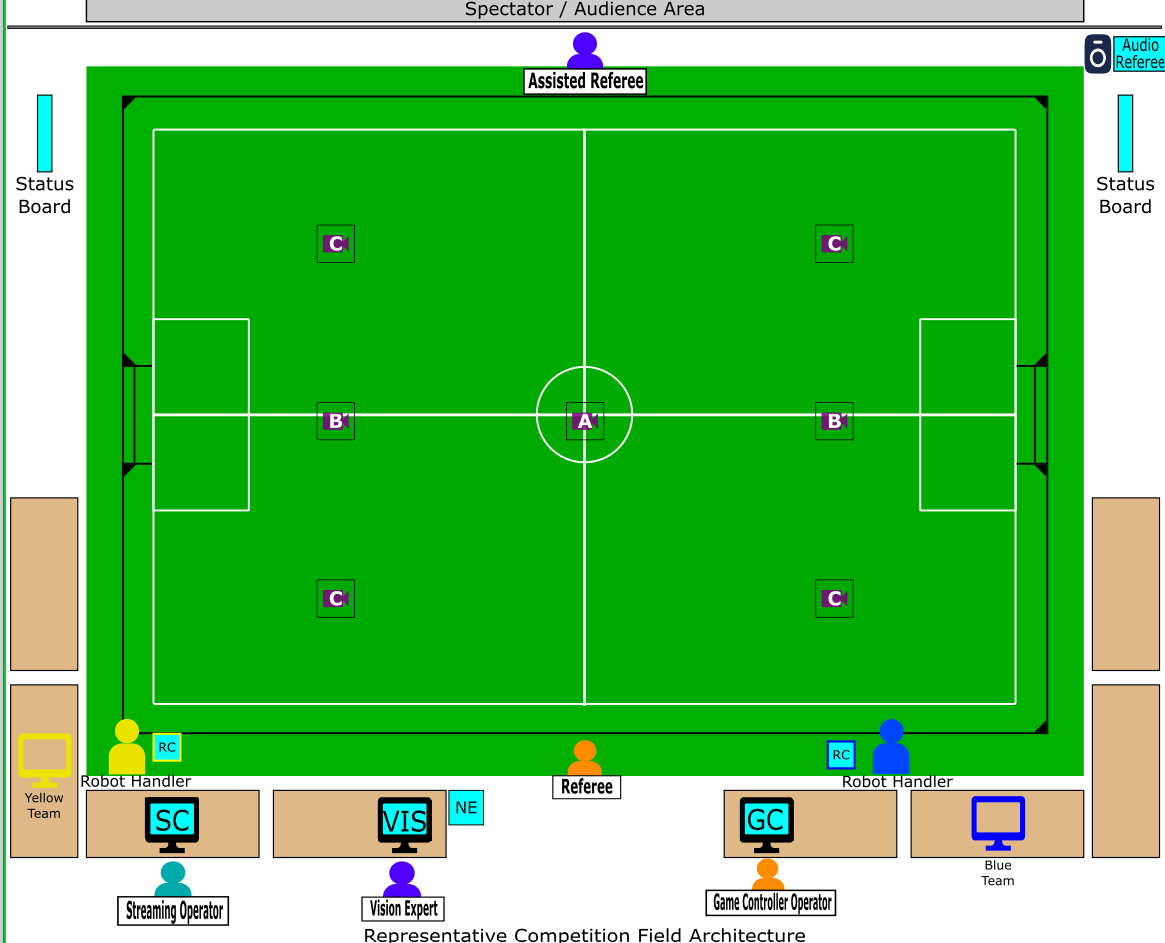
There’s a lot to dissect here, some abbreviations:
FC - Field Computer
TC - Team Computer
NE - Networking Equipment
Placement and Layout Guidance
This is mostly a factor of what works for your team and space. You should checkout the section on Carpet and Materials and Cameras. There’s some advice there if you floor is not level or you have an unusual ceiling. Remember, a practice field does not need to be standard dimensions or aspect ratio! You seek to maximize the field size given your space and cost constraints. The vision software can be configured for arbitrary dimensions.
Function of Components
In a typical lab setup, lots of equipment does double duty.
Networking Equipment
The networking equipment is the small cyan box labeled “NE” on the diagram. This will connect the team computers together, provide networking services, and also provide an internet uplink. This is often preferred over wireless.
Field Computer
The lab field computer combines multiple services into one compared to a competition config. Typically the field computer hosts at least vision and the game controller, the two services essential to test the team AI and ensure it responds to events. The GC is also used to trigger/force out of sequence events, like kickoffs or penalties to test specific plays or responses to match state.
Team Computer
The team computer may be a member’s laptop or dedicated machine. This will run the team AI. It’s worth noting that if possible the team and field computers should be separate. Hopefully you have at least two team members. Often times vision and the AI are each computationally demanding enough they may effect the behavior of the other. Game controller can be hosted on either, though most teams keep it with vision.
Cameras
Most teams have one or two lower end cameras, like a webcam, mounted above the field. These are connected directly to the field computer. If the team’s lab is an office environment, they are typically mounted as close to the ceiling as possible. The Cameras page has advice on camera and lens selection and calculating a mounting height.
Optional Items
Lab setups almost always omit the status board, remote controls, audio ref, and stream equipment.